Blog
Common Login Problems and How to Fix Them

English
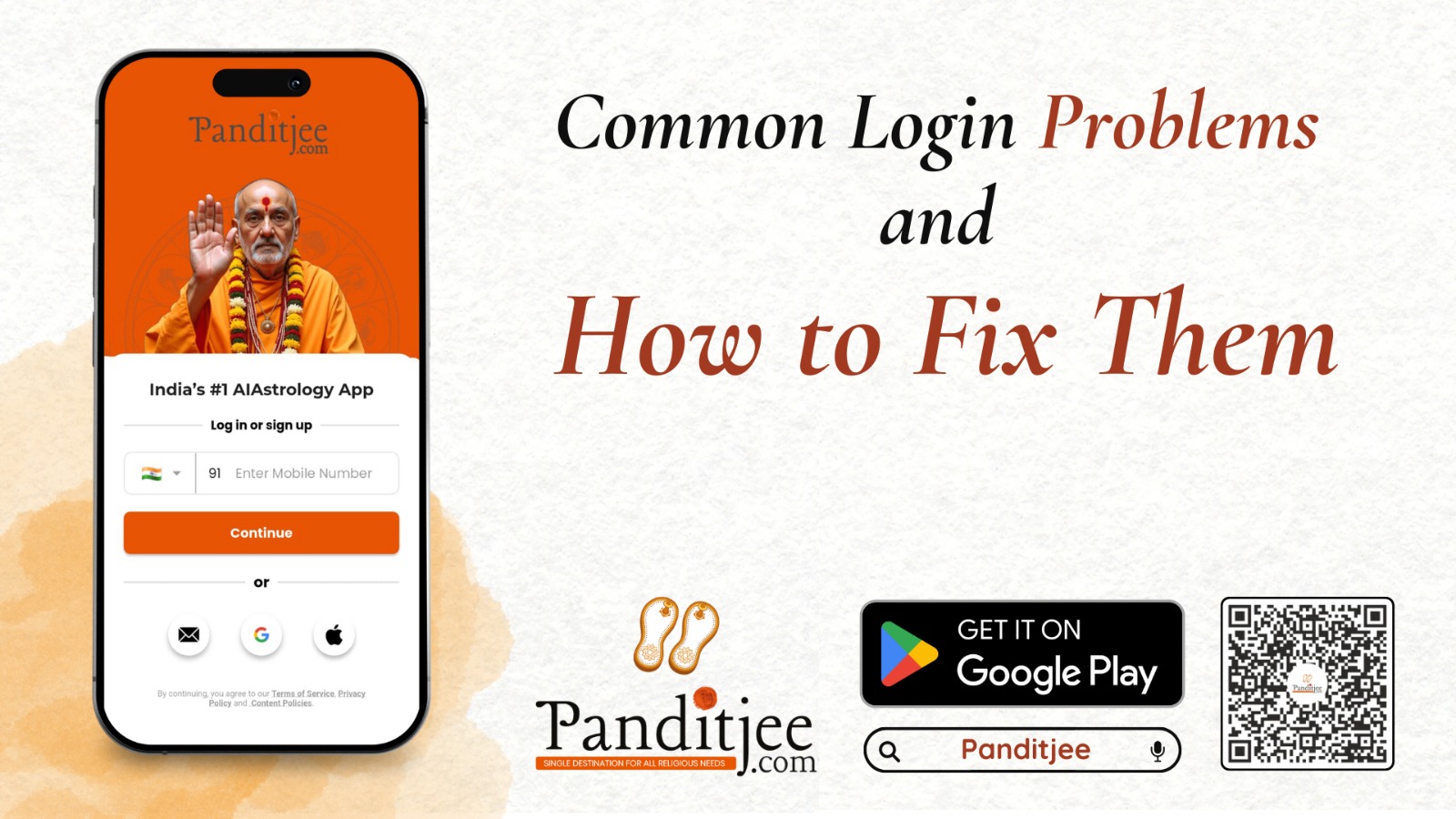
Logging in is the first step to using Panditjee.com, and sometimes users face small hurdles here. If you are unable to log in, the first thing to check is your internet connection. A weak or unstable network can prevent the app from verifying your credentials. Ensure that mobile data or Wi-Fi is active and stable.
Next, confirm that your email address or phone number is entered correctly. Many login issues happen because of small typing errors. If you have forgotten your password, use the Forgot Password option on the login screen. This will send a reset link to your email or an OTP to your phone, depending on your registration details.
If the app crashes during login, try closing all other apps running in the background, restart your device, and attempt again. Clearing the app cache from your phone settings also helps resolve unexpected issues.
Panditjee.com ensures that your account is protected with secure authentication. If you still cannot log in after trying these steps, you can contact customer support through the in-app help section.
Hinglish
Panditjee.com par login karna sabse pehla step hota hai, lekin kabhi kabhi users ko yahan issues aate hain. Agar aap login nahi kar pa rahe ho to sabse pehle apna internet connection check karo. Weak ya unstable network app ko credentials verify karne se rok sakta hai. Mobile data ya Wi-Fi active aur stable hona chahiye.
Doosra step hai email ya phone number ko sahi check karna. Chhoti typing mistakes ki wajah se login fail ho jata hai. Agar password bhool gaye ho to Forgot Password option use karo. Ye aapke email ya phone par reset link ya OTP bhej dega.
Agar app login ke time crash kare to background apps close karo, device restart karo aur phir try karo. Phone settings se app cache clear karna bhi helpful hota hai.
Panditjee.com secure authentication provide karta hai. Agar ye steps try karne ke baad bhi login nahi ho raha ho to in-app help section se customer support ko contact karo.
Hindi
Panditjee.com पर लॉगिन करना पहला चरण है और कभी-कभी उपयोगकर्ताओं को इसमें समस्या आती है। यदि आप लॉगिन नहीं कर पा रहे हैं तो सबसे पहले अपना इंटरनेट कनेक्शन जाँचें। कमजोर या अस्थिर नेटवर्क ऐप को आपके विवरण सत्यापित करने से रोक सकता है। सुनिश्चित करें कि मोबाइल डेटा या वाई-फाई सक्रिय और स्थिर है।
इसके बाद यह देखें कि आपका ईमेल पता या फ़ोन नंबर सही दर्ज किया गया है या नहीं। छोटी-सी टाइपिंग गलती भी समस्या का कारण बन सकती है। यदि आप पासवर्ड भूल गए हैं तो लॉगिन स्क्रीन पर दिए गए Forgot Password विकल्प का उपयोग करें। यह आपके ईमेल पर रीसेट लिंक या आपके फ़ोन पर ओटीपी भेजेगा।
यदि लॉगिन के समय ऐप बंद हो जाता है तो सभी अन्य ऐप्स को बंद करें, डिवाइस को रिस्टार्ट करें और फिर से प्रयास करें। फ़ोन की सेटिंग से ऐप कैश को साफ़ करना भी उपयोगी हो सकता है।
Panditjee.com आपका खाता सुरक्षित रखने के लिए मजबूत प्रमाणीकरण का उपयोग करता है। यदि इन सभी उपायों के बाद भी समस्या बनी रहे तो इन-ऐप सहायता अनुभाग से कस्टमर सपोर्ट से संपर्क करें।